NBA2K Game Settings: MyCAREER
Configure NBA2K game settings for MyCAREER mode
NBA2K Game Settings — MyCAREER
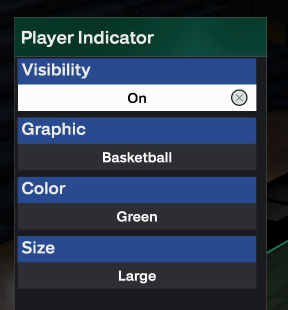
Customize HUD > Player Indicator
Configure the player indicator for optimal script recognition.
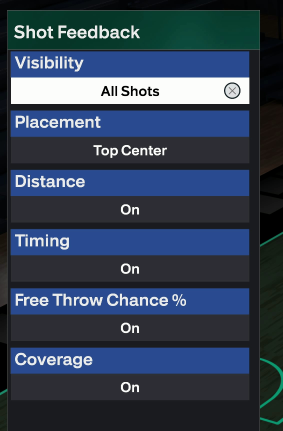
Customize HUD > Shot Feedback
Configure shot feedback display settings.
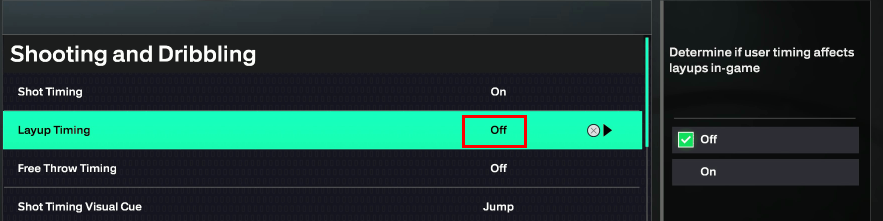
Controller Settings > Layup Timing (Finishing Mode Only)
- Finishing Mode must be Off — other modes can be On
- If Finishing Mode layup timing is on, finishing shots won't go in
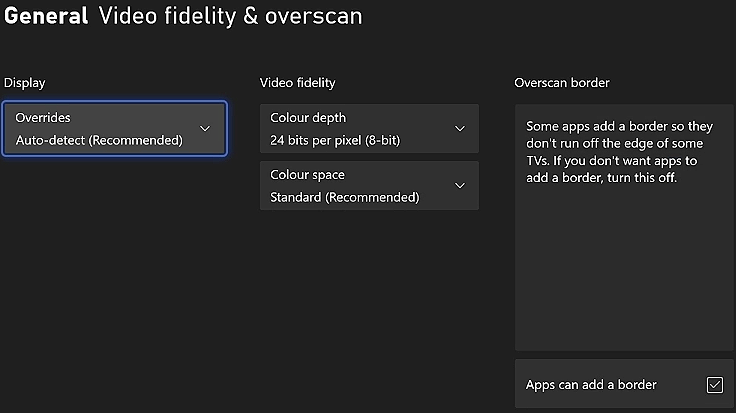
Controller Settings > Call For P&R vs Fade (Passing Mode Only)
- Passing mode must be Manual — other modes can be Automatic
- If not manual, the player won't cut to the basket
Settings > Camera Shake, Replays, Highlights, Cuts
Turn it all off.
Otherwise it will seriously affect your efficiency.
Progression > Takeover
- Press R2 to select the available takeovers
- You must select a takeover that meets the attribute requirements
- Otherwise your player indicator will change color, causing misidentification, failed positioning, and your rating will drop to F
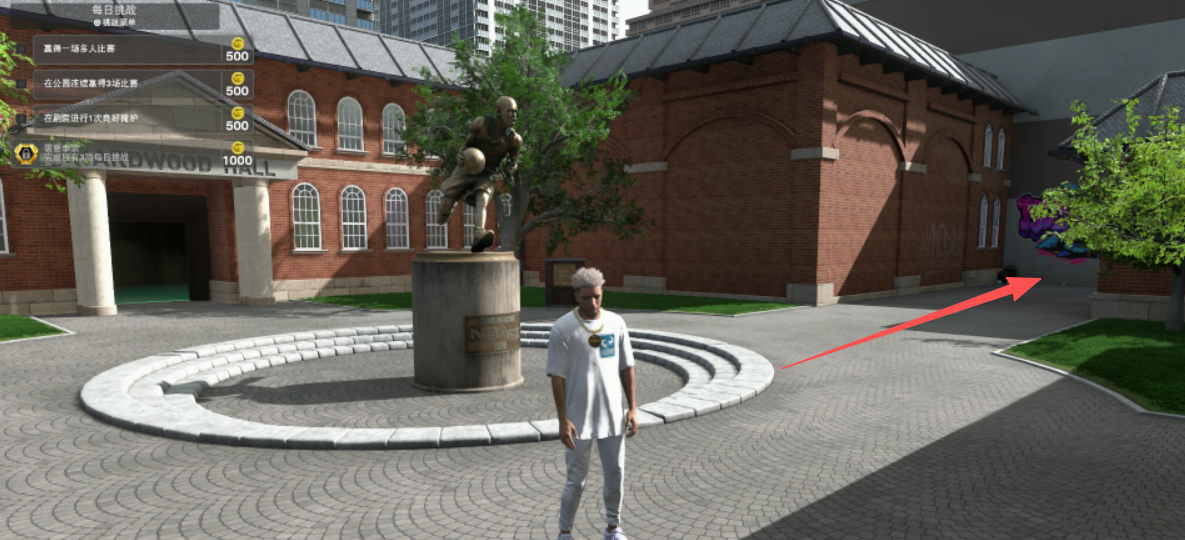
Enter the Street Kings
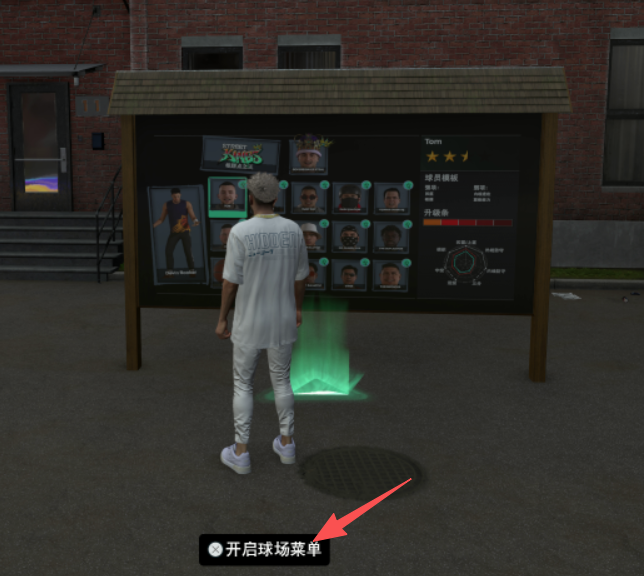
- Get into The Street Kings
- Turn right to Pivot Point Court
- Stand on the light point of the game panel
- Make sure there's a sign under your feet: "Open Court Menu"
Camera Options
- Get into a game, select "Camera"
- Perspective: 2K
- Settings must be: 5, 10, off, off, on, on, cut
Run the Script & Configure Shoot Timing
- Start a game and watch the players shoot
- Recommended: Turn Shot Meter On
- If it's "too early" → increase "shooting time"
- If it's "too late" → reduce "shooting time"
- Changes apply in real time
Note: Once the player is cold, the player indicator becomes blue and positioning fails. Stop the script, exit the game, click RUN to restart, then re-enter the game.
When you're green on every shot — congratulations, all your settings are done!
VC Statistics
- To track your VC acquisition speed, open the statistics panel
- Winning streak mode cannot be tracked (you stay in the match without quitting)
- Winning streak mode produces the most VC but is also the most difficult mode